DDR4 Heatsink 16GB — The Rational Middle of the 2026 DDR4 Line-Up
If you own a DDR4 desktop today and you are trying to decide what to put in it, the 16GB module is the answer more often than not. Not because it wins on any single specification, but because it sits at the point where capacity, cost per gigabyte, slot economy and platform compatibility stop pulling against each other.
Why 16GB Is Where Capacity Stops Being the Bottleneck
The useful question is not “how much RAM can I afford” but “at what point does more RAM stop changing anything I do?”
Below roughly 8GB, a modern desktop running Windows is actively fighting for memory. The operating system pages data to storage, and even a fast NVMe drive is orders of magnitude slower than DRAM. This is the cliff that makes 4GB machines feel broken and 8GB machines feel adequate.
Above 16GB, most workloads stop caring. Add memory to a gaming rig beyond 16GB and frame rates barely move unless you are also streaming, running a heavy mod list, or doing something else simultaneously. Add memory beyond 32GB and you have left the consumer segment entirely for virtualisation, large dataset work or local model inference.
That leaves 16GB sitting at the top of the steep part of the curve — the last capacity increase that produces a large, felt improvement for mainstream desktop use. Buying more is defensible; buying less means living on the wrong side of the cliff.
When a 16GB Module Is the Right Choice
That third row is counter-intuitive and worth internalising: the 32GB module usually costs more per gigabyte than two 16GB modules. You pay a premium for occupying a single slot. Sometimes that premium is correct — see the 32GB page for when. But if headline price is your constraint and you have the slots, 2×16GB beats 1×32GB on cost almost every time.
A note we owe you: we are not publishing fixed prices here, because in the current market a figure printed today is wrong in a matter of weeks. See the reality section below for why, and check our live listing before budgeting.
Single Rank vs Dual Rank: The Spec Most Buyers Miss
Two modules can both say “16GB DDR4-3200” on the label and behave differently once installed. The difference is rank organisation, printed as something like 1Rx8 or 2Rx8 on the module sticker.
A rank is a group of DRAM chips addressed together as one 64-bit-wide data block. The x8 refers to each individual chip being 8 bits wide, so eight chips make one full rank.
That 3-7% rank-interleaving advantage is real. While one rank is precharging, the controller can be addressing the other, which lifts effective throughput in bandwidth-heavy tasks like rendering and high-refresh gaming. But it only holds if your board can still hit the rated frequency with the extra electrical load — which is precisely where things go wrong on fully populated boards.
The practical rule: if you plan to populate all four slots, prefer single-rank modules. If you are running two modules and want maximum bandwidth, dual-rank gives you a small free gain.
Core Features of the DDR4 Heatsink 16GB
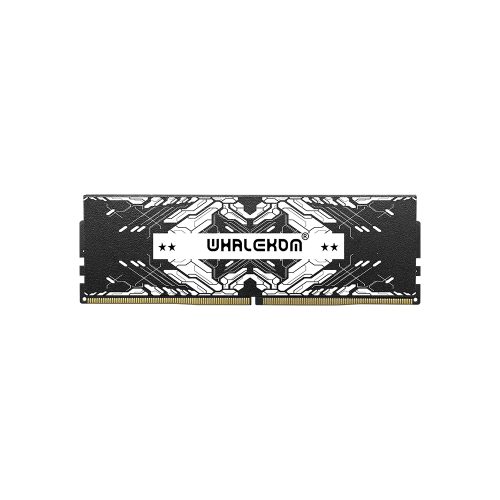
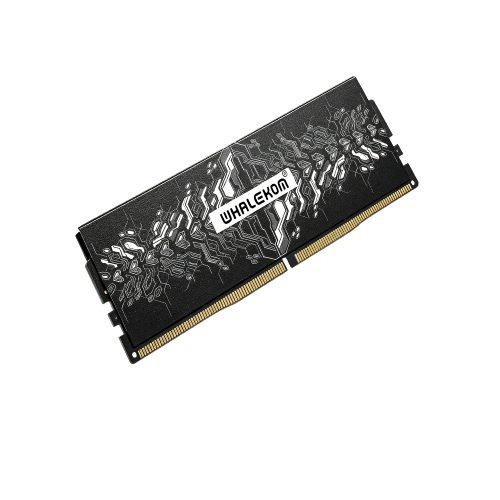
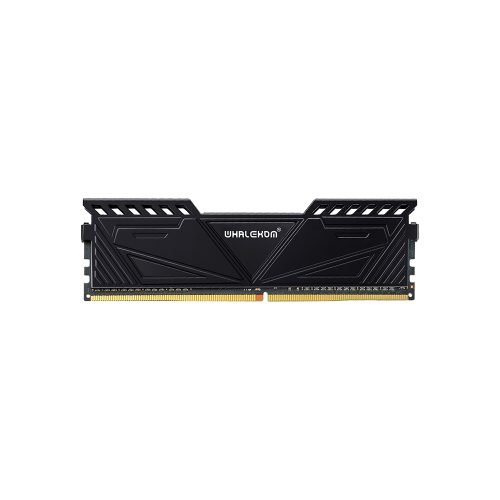
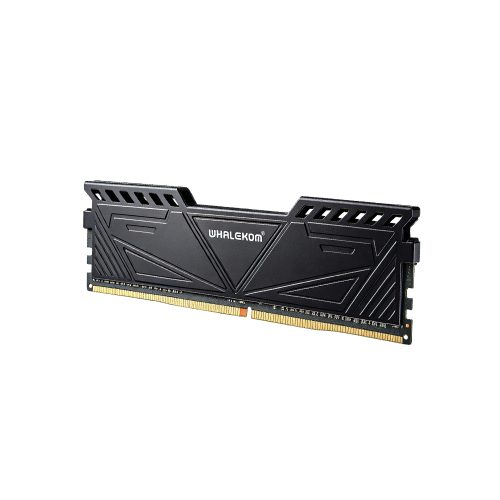
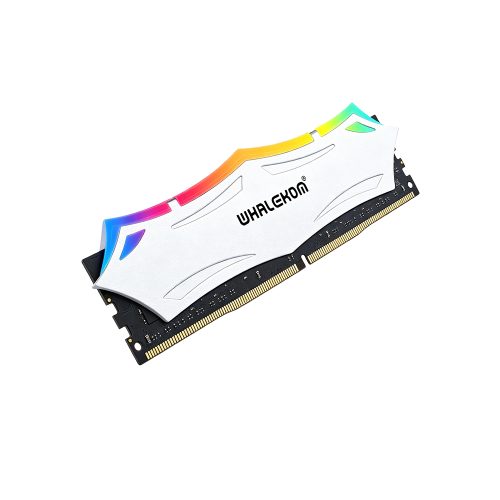
Low-Profile Aluminum Heatsink for Real Chassis Constraints
Most aftermarket DDR4 heat-spreaders are styled for visibility: tall fins, thick top bars, RGB diffusers. They photograph well and then collide with the second fan of a 120mm tower cooler, or refuse to seat under the shroud of a small-form-factor case.
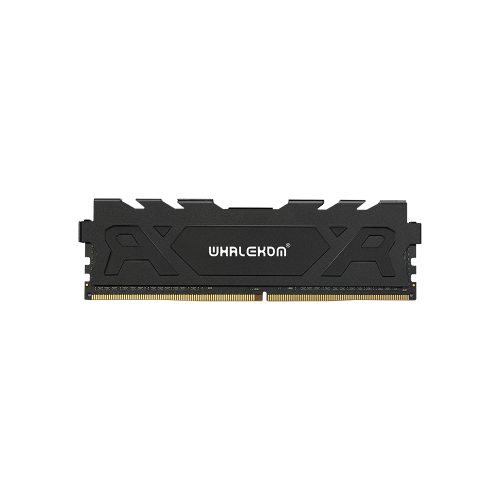
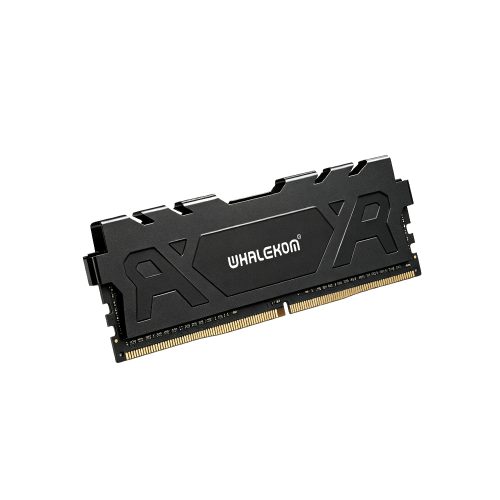
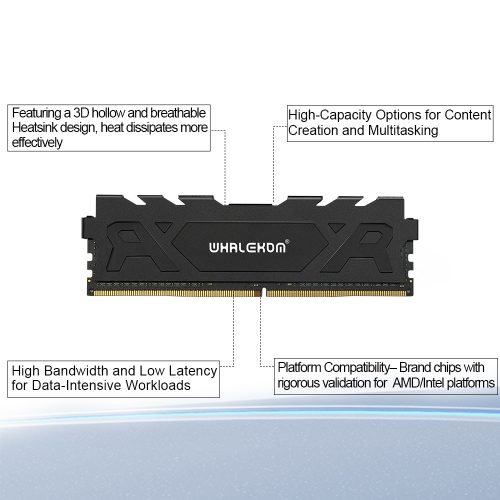
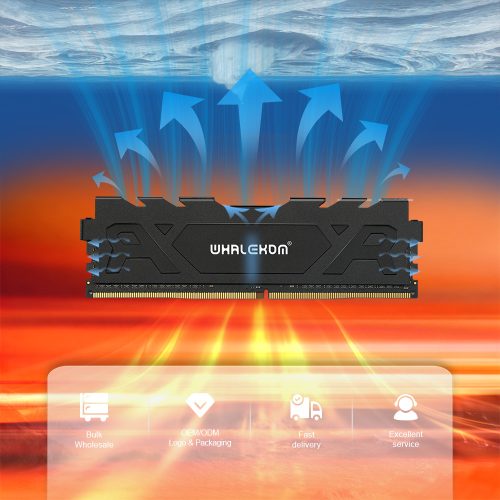
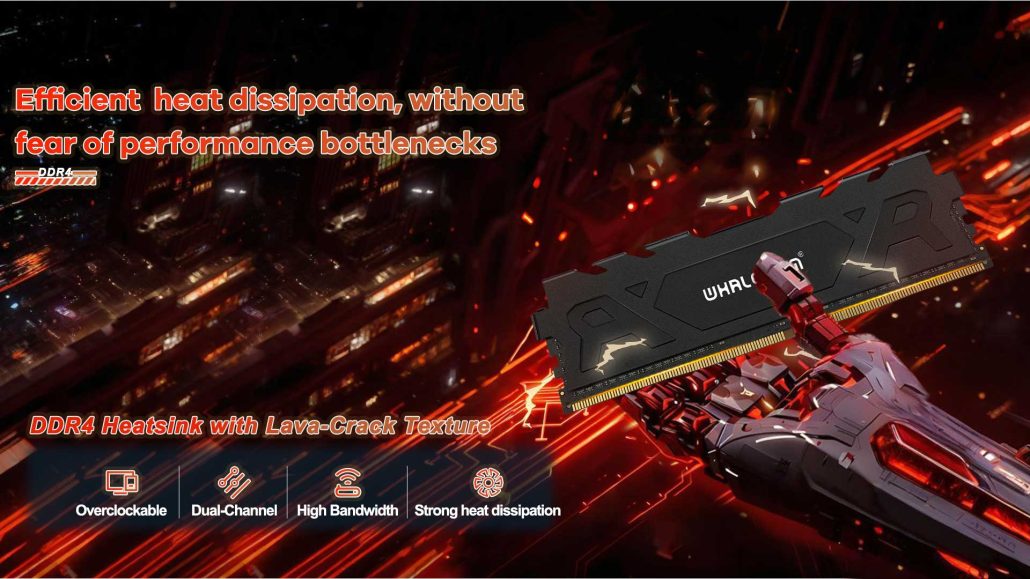
This module takes the opposite approach. A CNC aluminium alloy vest keeps overall height close to the standard DDR4 U-DIMM profile while still drawing heat off the DRAM packages through direct PCB contact. You retain the thermal benefit where it actually matters — sustained writes, long compile jobs, overnight renders — without turning every installation into a clearance measurement exercise.
Honest framing: at JEDEC 1.2V a DDR4 module’s heat output is modest. A bare module in a case with reasonable airflow runs fine. The heatsink earns its cost in three specific situations — DIMM slots sitting in a dead-air zone, XMP operation at 1.35V where thermals rise with frequency, and compact chassis where you cannot add airflow. Outside those, you are buying peace of mind, which is legitimate but not mandatory.
2666-4000MT/s with One-Click XMP 2.0
The module boots at JEDEC baseline — typically DDR4-2133 or DDR4-2666 depending on CPU memory controller and slot population — then reaches rated speed by enabling the Intel XMP 2.0 profile in UEFI. No manual primary timing entry, no trial and error.
At the JEDEC-standard DDR4-3200 grade, theoretical peak bandwidth is 25.6 GB/s single-channel and 51.2 GB/s dual-channel. Whether you can clock there depends on your platform and population, not on the module; that is why the slot-budgeting section above matters more than any number here.
Practical note on returns: the jump from 8GB to 16GB is felt immediately. The jump from 3200MT/s to 3600MT/s at the same capacity is mostly visible only in benchmarks. Capacity first, frequency second.
Built to JEDEC DDR4
Compliant with the official JEDEC DDR4 standard (JESD79-4) on a 288-pin U-DIMM substrate at 1.2V nominal (up to 1.35V under XMP). DDR4’s selectable bank group architecture allows separate activate, read, write and refresh operations to proceed in parallel across groups, which is part of why dense DDR4 scales better under mixed workloads than its prefetch and clock figures alone suggest.
Every module passes full functional testing and burn-in before packing.
Full Specifications
| Model Name | DDR4 Heatsink 16GB | Interface | 288-pin U-DIMM (Non-ECC, Unbuffered) |
| Speed | 2666~4000 MT/s | Capacity | 8GB / 16GB / 32GB |
| Input Voltage | 1.2V (XMP 1.35V) | Application | Workstation, Content Creation,Gaming |
| Heatsink Material | Aluminum Alloy | Warranty | 3 Years |
| Dimensions | L133.8mm * W42mm * H8mm | XMP Support | XMP 2.0 |
| Storage Temp. | -20℃ ~ +100℃ | Operating Temp. | 0℃ ~ +85℃ |
Ideal Applications
The 16GB module covers the widest span of real work of any capacity tier:
- Mainstream and enthusiast gaming — 2×16GB is the current comfortable configuration, handling modern titles plus streaming and background applications simultaneously
- Content creation at 1080p and 1440p — photo editing, multi-track audio, moderate video timelines
- Software development — multiple IDEs, containers, local databases and a browser with realistic tabs
- Home-lab and virtualisation hosts — several lightweight VMs on a consumer platform without constant swapping
- Office workstations and creative SMB desktops where the machine must stay responsive for hours without accumulating open applications
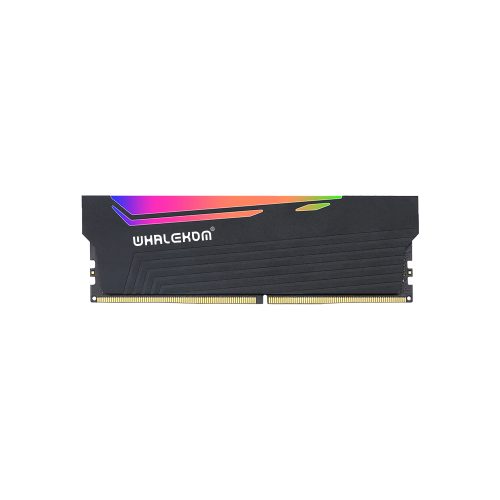
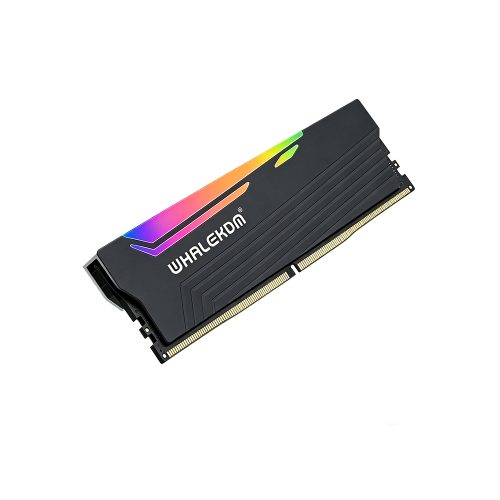
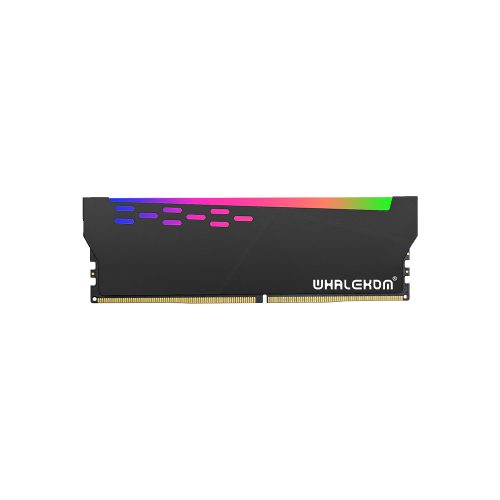
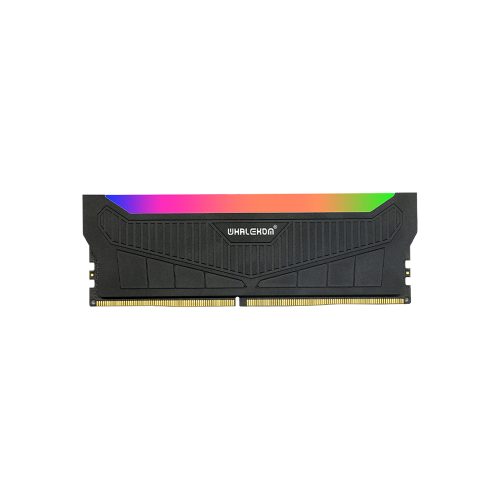
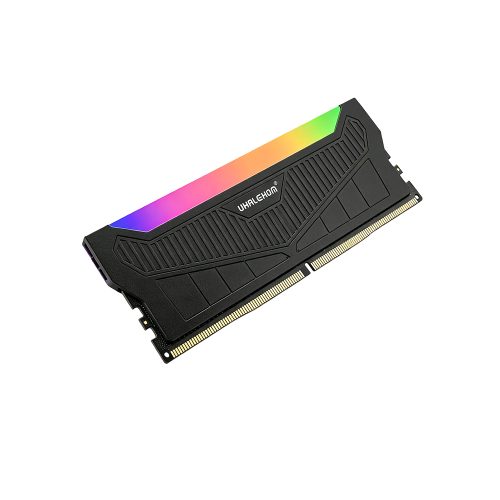
Need to decide between this and a bigger step? Compare against DDR4 Heatsink 32GB. Running repairs rather than an upgrade? The DDR4 Heatsink 8GB may be all you need. Prefer lighting over low profile? See the DDR4 RGB Gaming RAM 16GB XMP.
FAQ
Is 2×16GB better than 4×8GB?
Usually yes. Two 16GB modules leave two slots free for future expansion, place less electrical load on the memory controller (making it easier to hit rated XMP speeds), and typically cost less per gigabyte than four 8GB modules. Four single-rank 8GB modules can work, but you sacrifice all future expansion and increase the chance of a full-population downclock.
Should I buy one 32GB module or two 16GB modules?
Two 16GB modules, in most cases. They usually cost less per gigabyte, and the pair runs in dual-channel mode giving double the theoretical bandwidth (51.2 GB/s vs 25.6 GB/s at DDR4-3200). Choose a single 32GB module only when you have a two-slot board and want to preserve the option of adding later, or when you are deliberately consolidating slot usage. See the 32GB page for those cases.
What does 1Rx8 vs 2Rx8 mean, and does it matter?
It describes how DRAM chips are organised on the module: 1Rx8 is one rank of eight x8-wide chips; 2Rx8 is two ranks, sixteen chips total. It matters in two ways. Dual rank can deliver roughly 3-7% more effective bandwidth through rank interleaving, but presents a heavier electrical load, which can force any speed drop when populating all four slots. For two-DIMM builds prefer dual rank; for maximally populated builds prefer single rank.
Will a 16GB DDR4 UDIMM work in an older DDR4 motherboard?
Often, but not reliably enough to assume. Boards released early in the DDR4 timeline were sometimes qualified against densities available at the time, and update their support through later BIOS revisions. Always check the manufacturer’s QVL — the 16GB row, specifically — and update to the latest firmware before concluding the module is incompatible.
Is buying high-density DDR4 still worth it versus moving to DDR5?
Usually yes if you already own a working DDR4 CPU and motherboard: reaching a capacity target with modules costs far less than replacing CPU, board and memory together. It stops being the better deal when you need high capacity and high bandwidth at once, when your required capacity exceeds your board’s supported configuration, or when you were replacing the CPU anyway. We cover this judgement in detail above rather than just recommending you buy more memory.
-1-500x500.jpg)