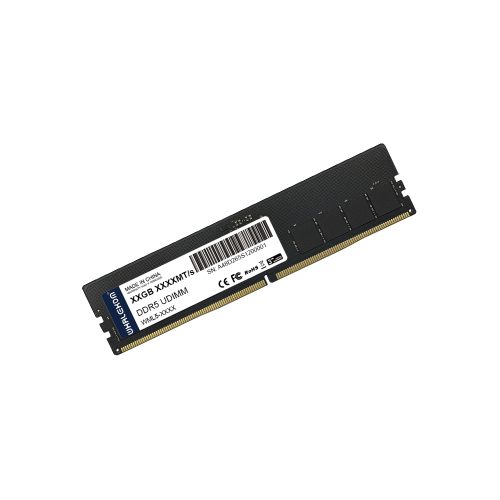
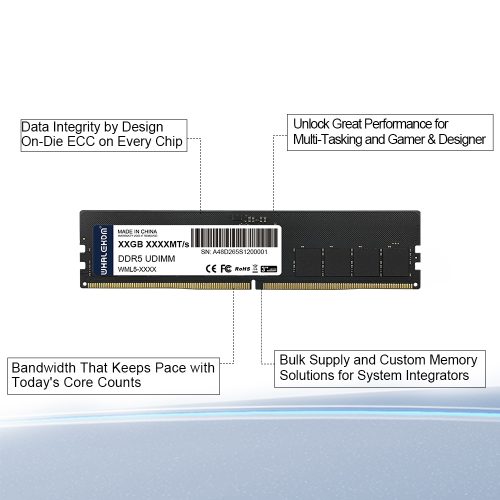
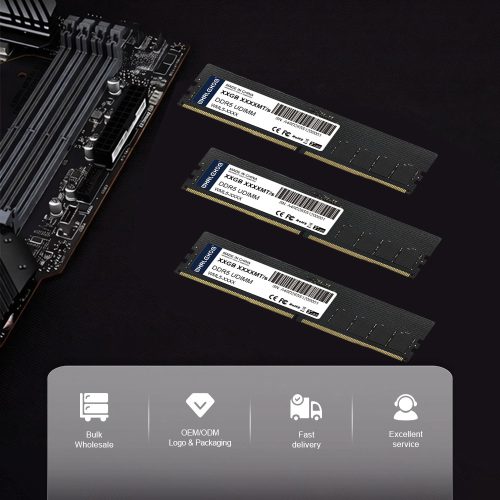
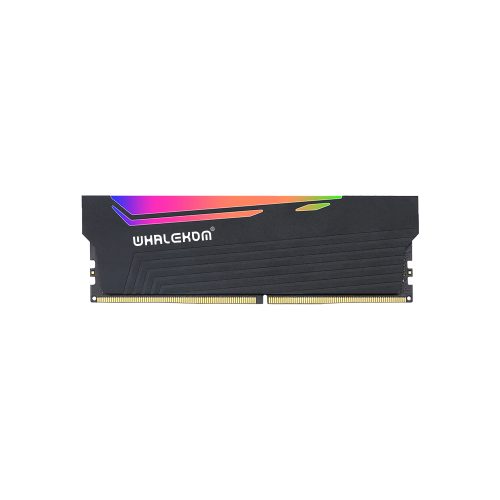
DDR5 UDIMM 8GB 4800MT/s Desktop Memory
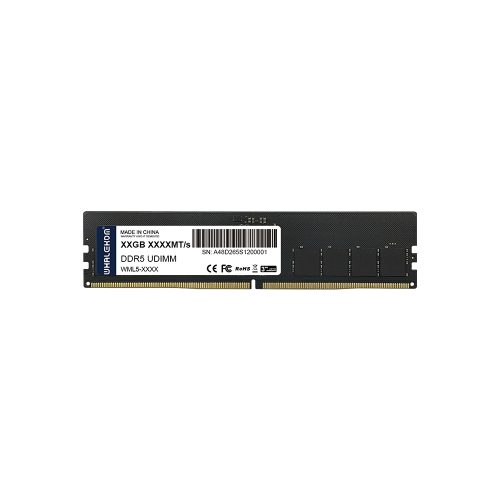
The WHALEKOM DDR5 UDIMM 8GB is a JEDEC-standard 288-pin desktop module aimed at three groups: users replacing or matching an existing 8GB stick, integrators building cost-sensitive office and kiosk systems, and buyers who need to get a DDR5 machine running today with room to add more later. This page is deliberately blunt about what 8GB can and cannot do in 2026 — we would rather you buy the right module once than return this one.
The Honest Question: Is 8GB Still Enough on a DDR5 Desktop?
Moving from DDR4 to DDR5 changes bandwidth; it does *not* change how much capacity your workload consumes. A browser profile with thirty tabs open does not use less RAM because the memory is faster.
The Single-Module Mistake: Capacity vs. Bandwidth
This is the most expensive misunderstanding in DDR5 buying, and it costs more than choosing the wrong capacity.
Every mainstream desktop DDR5 platform is dual-channel. Two populated slots deliver two independent 64-bit paths to the CPU. One populated slot delivers exactly one.
*Calculation note: bandwidth per channel = transfer rate (MT/s) × bus width in bytes (8B for a 64-bit channel). Intel lists 76.8 GB/s as the maximum memory bandwidth for a DDR5-4800 dual-channel Core i5-12400, which matches the result above.*
The practical consequence. Buying one 8GB module now with a plan to “add another later” means you run at half bandwidth in the meantime — and with two empty slots and half the memory paths idle, every load is penalised, not just the ones you expected. If you can afford one 8GB module today, ordering the matched 2 × 8GB kit is the single highest-value change you can make to this build. There is no configuration where one stick is the better performing choice on a dual-channel board.
Note that this is a *channel* effect, not a DDR5-specific one — it applies equally to DDR4. The reason it matters more here is simply that DDR5’s higher baseline makes the gap wider in absolute terms: you give up 38.4 GB/s, not 25.6 GB/s.
Core Features of the DDR5 UDIMM 8GB
JEDEC-Compliant DDR5-4800 Out of the Box
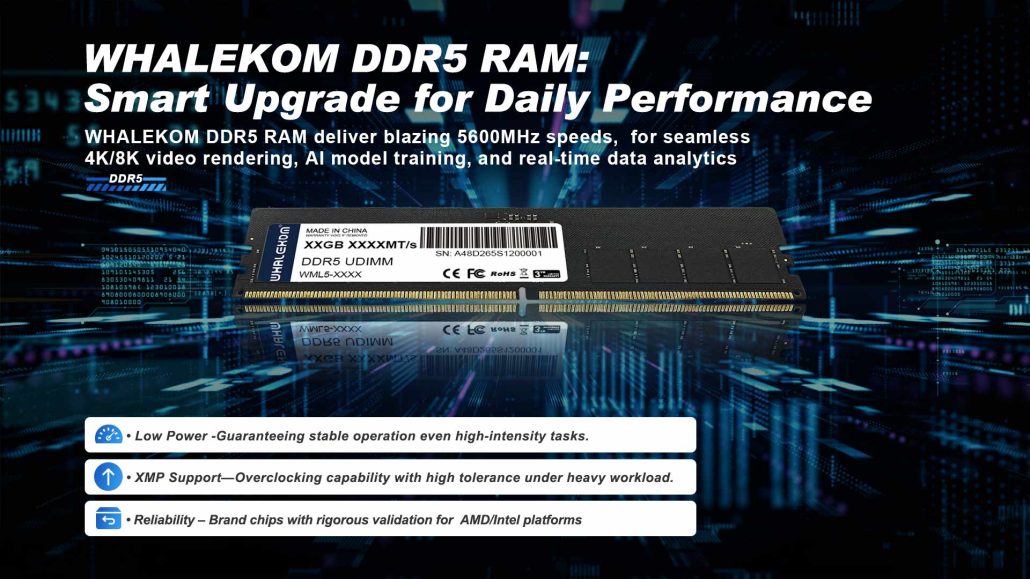
Built to the [JEDEC JESD79-5 DDR5 standard], the module boots at DDR5-4800 on any compliant Intel or AMD DDR5 desktop board without BIOS intervention. DDR5 also introduces features that DDR4 does not have: an on-module power management IC (PMIC) handling local voltage regulation, two independent 32-bit subchannels per module instead of one 64-bit channel, and on-die ECC inside every DRAM package.
A Note on What On-Die ECC Does — and Does Not Do
Every DDR5 module, including this one, carries on-die ECC. It corrects bit errors *inside* the DRAM die. It does not protect the data path between the memory module and the CPU, and it does not report corrected errors to the operating system. If your application needs genuine end-to-end error protection — financial records, medical data, a ZFS pool, a CI build farm feeding signed artifacts — you need [side-band ECC modules] and a platform that supports them, which this non-ECC UDIMM is not. If that is your requirement, browse our [server memory line] instead of forcing desktop memory into the role.
288-Pin Form Factor and Physical Compatibility
Standard 288-pin DDR5 U-DIMM. Important caveat if you are upgrading from an older machine: DDR4 and DDR5 U-DIMMs are both 288-pin, but the key notch is in a different position. They are not physically interchangeable, and forcing one will damage the slot. Confirm your board is DDR5 before ordering — if you are upgrading a DDR4 build, see our [DDR4 heatsink memory] instead.
Ideal Applications
This DDR5 UDIMM 8GB module fits: office and education fleets where unit economics dominate, point-of-sale terminals and digital signage players, secondary test benches, BIOS/POST verification builds, and — the most common real case — completing a matched pair alongside an 8GB module you already own.
Building something with more headroom? Read [our 16GB DDR5 guide] for the 1Rx8 vs 2Rx8 decision that affects overclocking headroom, or jump to [the 32GB option] if the machine will render or virtualise. See the full [DDR5 Heatsink series]for the complete line-up.
Buying a Matching Pair — Pre-Purchase Checklist
Run through this before you click order. It prevents most DDR5 compatibility returns.
- Confirm DDR5, not DDR4. Check the board spec, not just pin count — both are 288-pin.
- Read your board’s slot population order. Most 4-slot boards require slots A2 + B2 first. Installing in A1 + B1 frequently leaves the system single-channel or fails to train.
- Match capacity and ideally part number across channels. Mismatched capacities still work via flex mode, but only the shared portion runs dual-channel.
- Check the QVL. Your board vendor’s qualified vendor list is the fastest way to rule out a sickly combination. If you are standardising a fleet, contact us for our validated motherboard list before ordering.
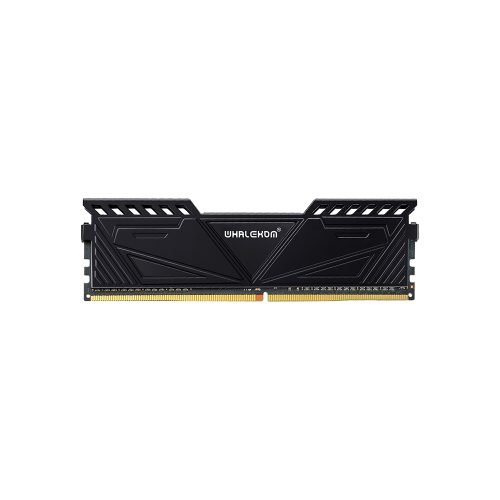
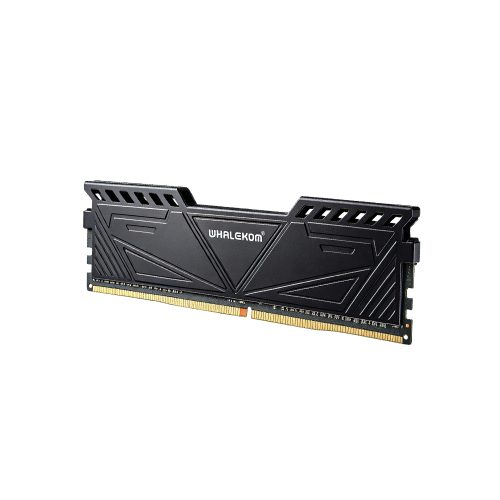
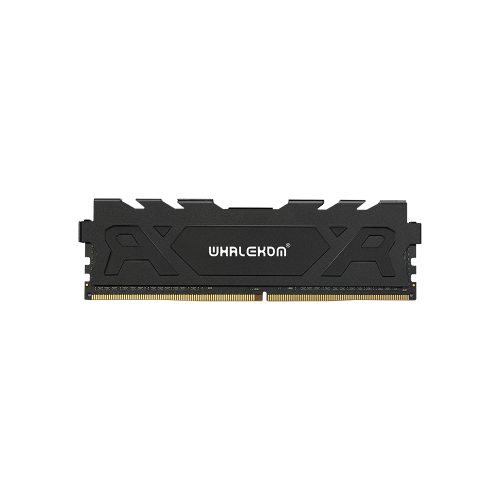
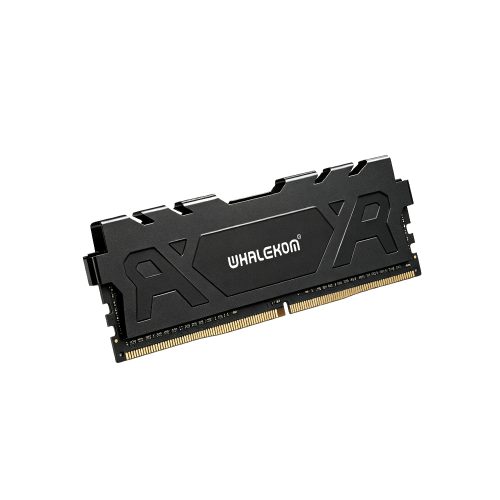
- Measure CPU cooler clearance. The heatsink adds height above the PCB; check it against your cooler’s stated RAM clearance. The fitted dimensions are listed in the specification table below.
- Do not mix RDIMM and UDIMM. They are electrically different architectures and will not boot together.
Full Specifications
Frequently Asked Questions
Is the DDR5 UDIMM 8GB enough for gaming in 2026?
For most current AAA titles, no — 8GB total is below the practical floor, and the symptom is stuttering from memory paging rather than low frame-rate alone. However, some lighter esports titles run acceptably. If gaming is the primary use, start at 16GB (2 × 8GB), not one 8GB module.
Can I use one DDR5 8GB module and add another later?
Yes, and in fact this is a common path. Just understand that until the second module arrives you are running single-channel at roughly half the available bandwidth (38.4 GB/s vs 76.8 GB/s at DDR5-4800). Budget to buy the pair together if your workload cares about throughput.
What does 1Rx8 mean, and does it matter?
The term describes how the DRAM chips are grouped electrically: one rank of eight x8 chips forming the 64-bit bus. It is not a speed grade, and it is not a quality tier either. However, it matters indirectly, because chip count affects the electrical load your memory controller sees — and that load influences how far you can push frequency. See our 16GB DDR5 guide for how the same question changes at higher capacities.
Will a DDR5 module fit in my DDR4 motherboard?
No. DDR4 and DDR5 U-DIMMs are both 288-pin, but the notch keying differs, so insertion is physically prevented. Check the board’s supported memory type before ordering.
Do I need this heatsink if I am not overclocking?
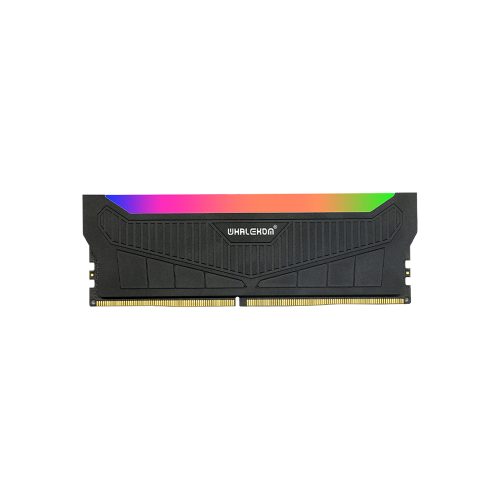
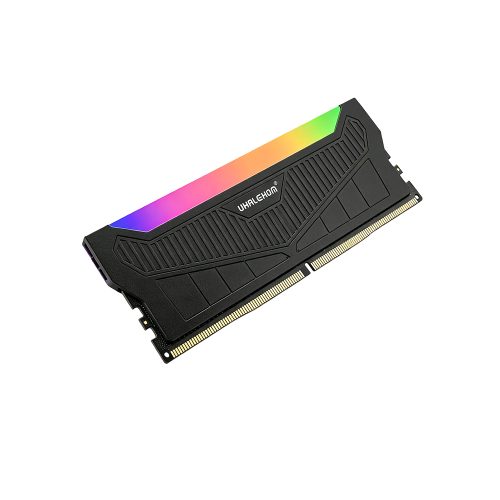
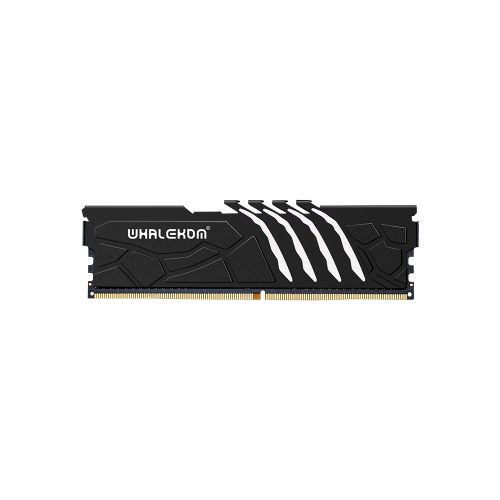
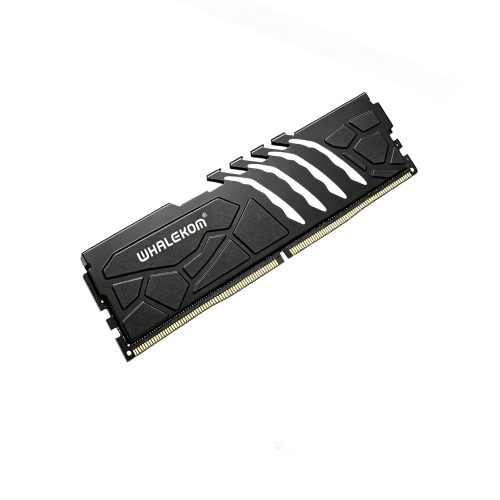
DDR5’s power management IC sits on the module itself, so unlike DDR4 the memory stick carries its own heat source even at stock speeds. The heatsink spreads that load across the DRAM packages and away from the PMIC. In well-ventilated cases this is headroom you may not need; conversely, in compact builds and passively cooled enclosures it is the difference between stable and unstable under sustained load.
-1-500x500.jpg)