
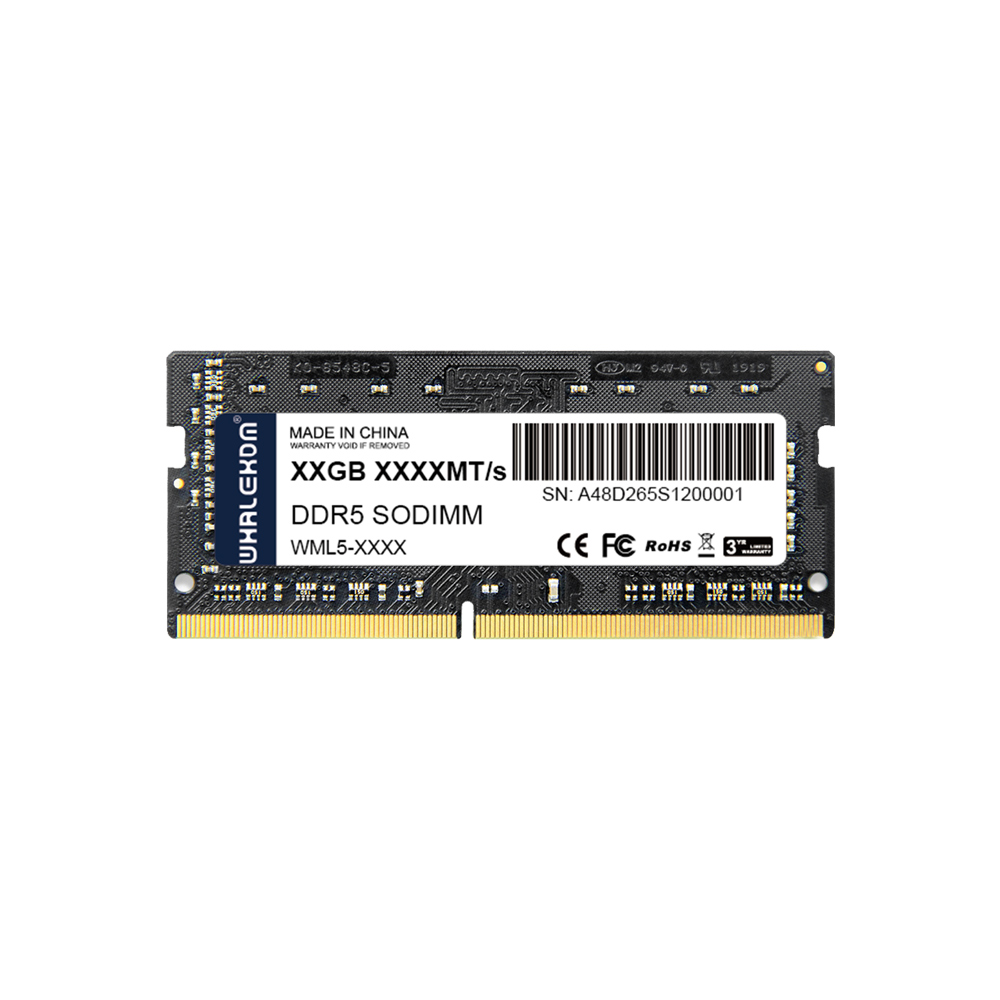
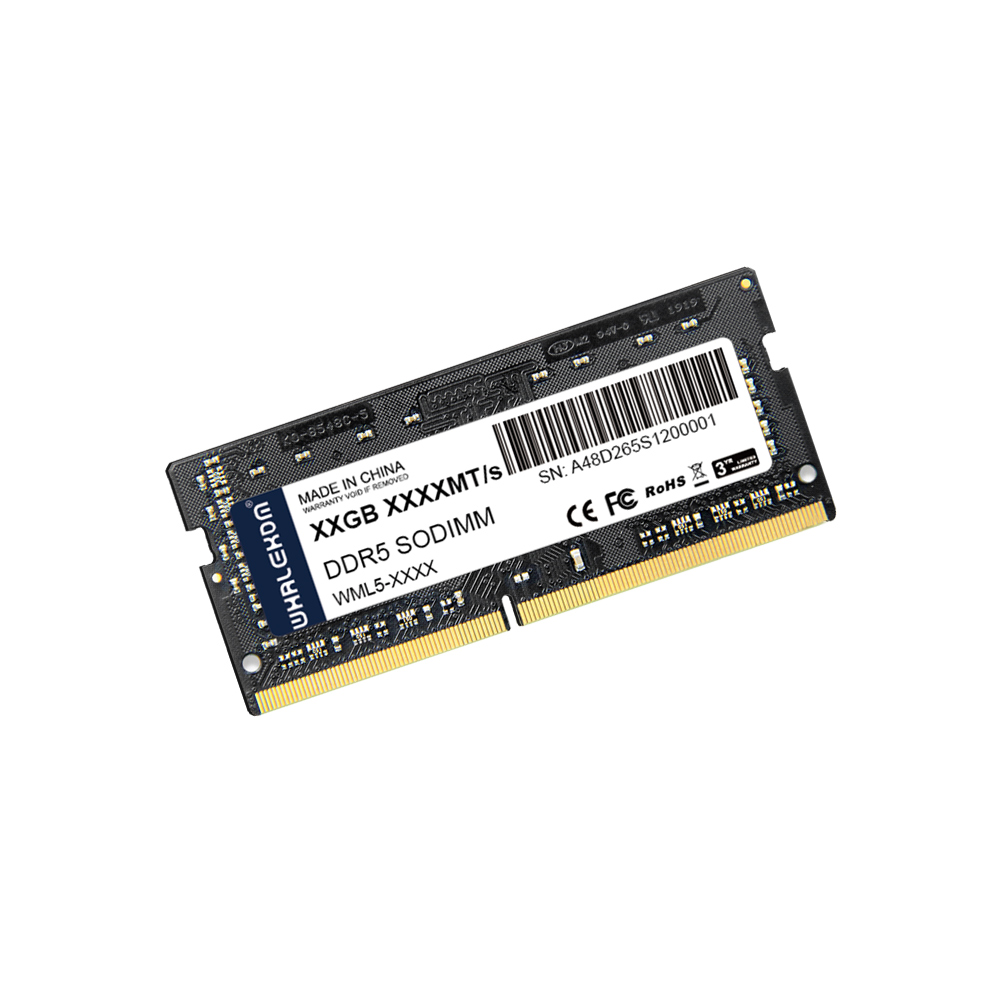
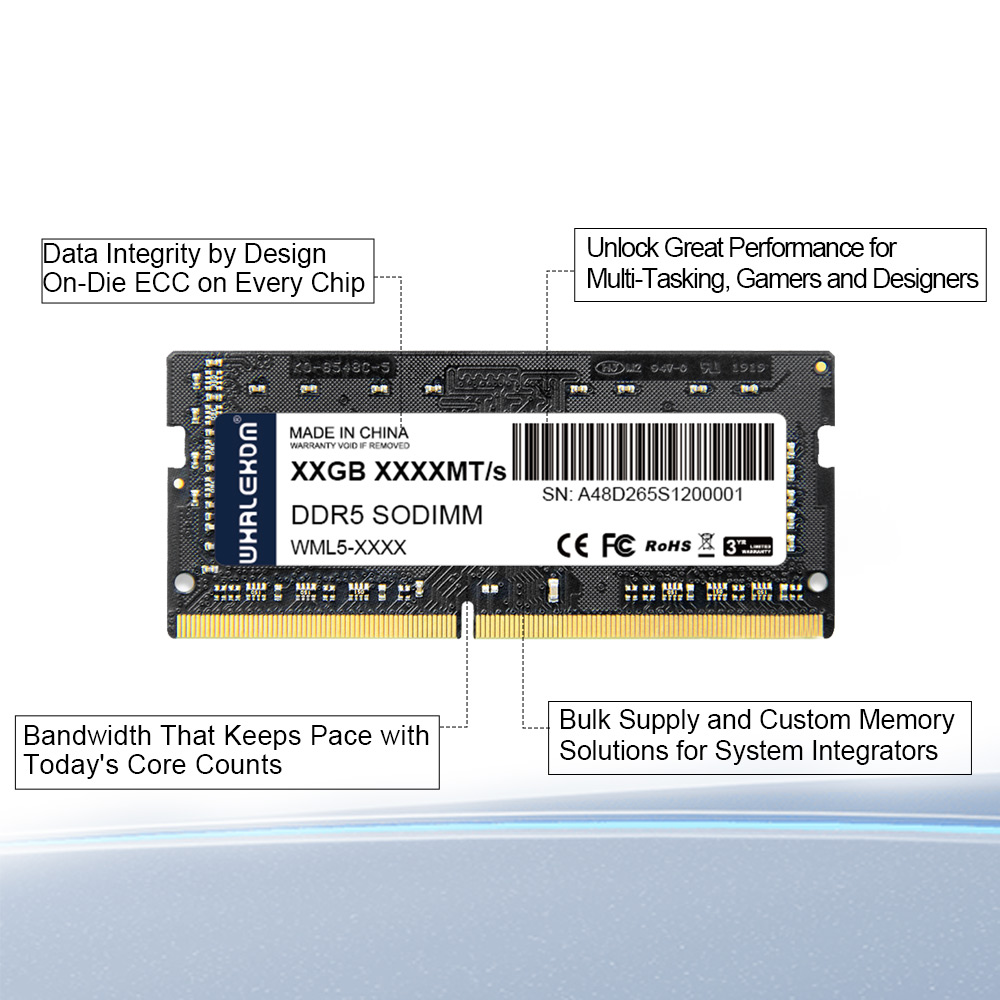
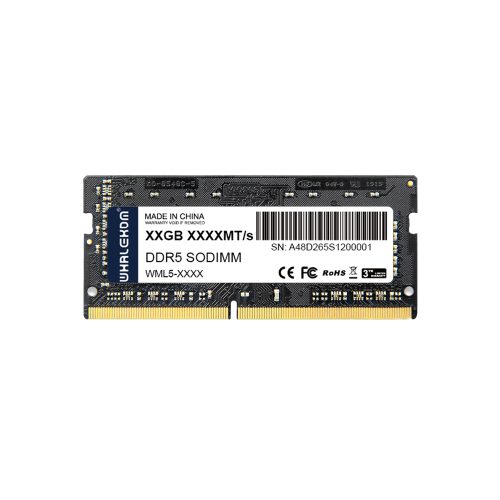
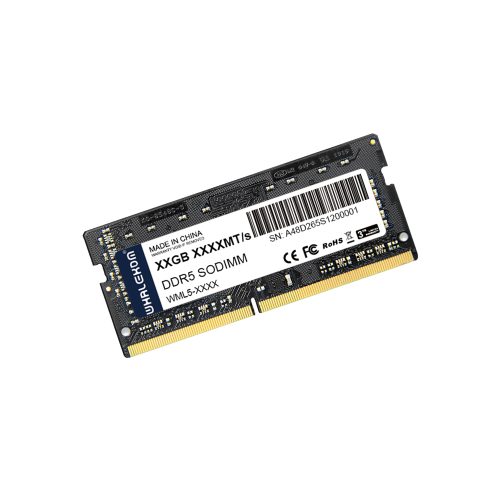
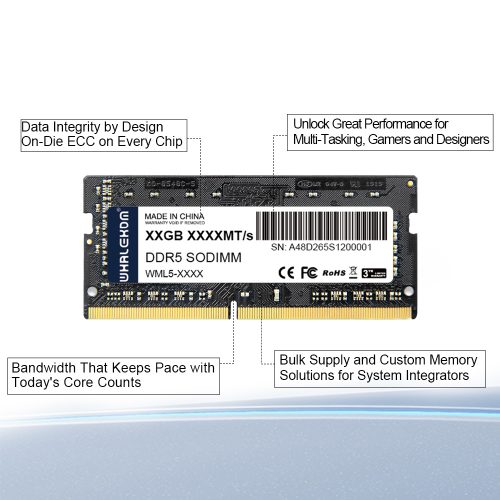
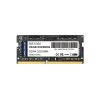
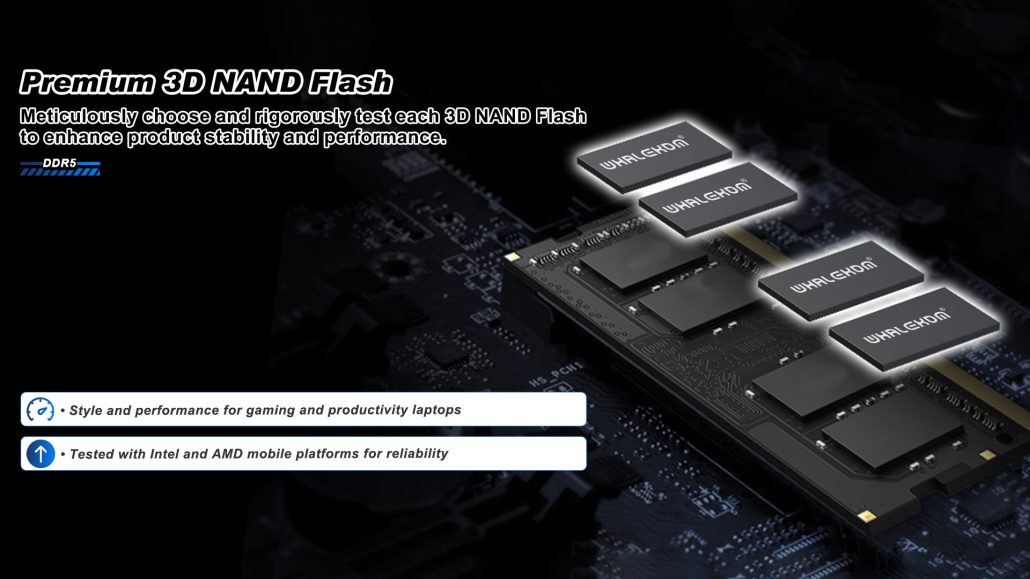
The WHALEKOM DDR5 SODIMM range covers 8GB to 32GB per module in the 262-pin laptop form factor, at DDR5-4800 and DDR5-5600 JEDEC speed grades.
What a DDR5 SODIMM Is
A SODIMM (small outline dual in-line memory module) is the short module used wherever a full-length desktop DIMM will not fit. The DDR5 version keeps a similar footprint to DDR4 but changes three things that matter inside a laptop chassis.
262 pins instead of 260, and that is deliberate
A DDR4 SODIMM has 260 pins; a DDR5 SODIMM has 262, and the keying notch sits in a different position. Consequently, a DDR5 module cannot physically be seated in a DDR4 slot, and there is no adapter that changes this. The incompatibility is a safety feature rather than an inconvenience, because DDR4 operates at 1.2V while DDR5 operates at 1.1V. Confirm which generation your platform accepts before ordering — the Memory tab in CPU-Z reports it directly.
Voltage regulation moved onto the module
DDR4 drew its 1.2V rail from the motherboard. Every DDR5 module, SODIMM included, carries its own power management IC (PMIC) that regulates VDD and VDDQ locally at 1.1V. For a laptop this is a practical advantage rather than a spec-sheet curiosity: finer voltage control means less wasted energy, and therefore less heat in a chassis that has nowhere to put it.
On-die ECC, and what it does not do
Every DDR5 module implements on-die ECC, which corrects bit errors inside the DRAM die itself. That does *not* make this an ECC module in the server sense. It does not protect the data path between module and CPU, and it does not report corrected errors to the operating system. If your application needs end-to-end error reporting, you want [ECC server memory](https://whalekom.com/server-ram/) instead.
Step One: Confirm the Machine Can Be Upgraded
Capacity and speed are the interesting part of the decision, but they come second. A growing share of 2024–2026 notebooks ship with memory soldered to the board, and for those the only real lever is choosing the right capacity at the time of purchase.
Two checks that take about a minute
- Task Manager. Open Performance → Memory and read “Slots used”. A result like “1 of 2” means a socket is free. If no slot count appears, treat the machine as non-upgradeable.
- CPU-Z, SPD tab. If it lists a module part number and slot, the socket is there. An empty SPD tab usually means soldered or on-package memory.
When the answer is no
MacBooks with Apple silicon use unified memory with no upgrade path. Intel Core Ultra 200V platforms put memory on the CPU package. Ultrabooks thinner than roughly 15mm almost always use soldered LPDDR5X. Newer mobile workstations may instead use CAMM2 or LPCAMM2, which is a different module entirely and not interchangeable with SODIMM. In all four cases, capacity must be decided at purchase.
Choosing Capacity: Per Module and In Total
Two SODIMM slots is the norm, so the per-module capacity roughly doubles. Below are the capacities available and what they total.
| Module | Typical organisation | Two-slot total | Realistic use |
| 8GB | 1Rx16 | 16GB | Office, education, thin clients |
| 16GB | 1Rx8 / 2Rx8 | 32GB | Mainstream business laptops |
| 32GB | 2Rx8 | 64GB | Development, VM workstations |
Note that the ceiling is set by the platform, not by the module. A 64GB module in a laptop validated for 32GB per slot may simply fail to post, so the service manual wins over the table above.
Why a matched kit beats one large module
Two 16GB modules outperform a single 32GB module on any machine with two sockets, because two modules give the memory controller two independent 64-bit channels. Adding a 16GB module alongside an existing 8GB module also works, but the pair then runs in flex mode: the first 16GB operates dual-channel and the remaining 8GB single-channel. It is a reasonable budget path, not an equivalent one.
Choosing Speed: Why Faster Often Buys Nothing
DDR5 SODIMM modules are sold at 4800, 5200 and 5600 MT/s, and as CSODIMM at 6400 MT/s. Your machine will run whichever of those its memory controller and firmware permit, and that is frequently not the highest number printed on the label.
| Module rating | On a DDR5-4800 platform | On a DDR5-5600 platform |
| DDR5-5600 | Runs at 4800 MT/s | Runs at 5600 MT/s |
| DDR5-4800 | Runs at 4800 MT/s | Runs at 4800 MT/s |
Most laptops therefore boot at JEDEC defaults.
Where DDR5 SODIMM Goes Beyond Laptops
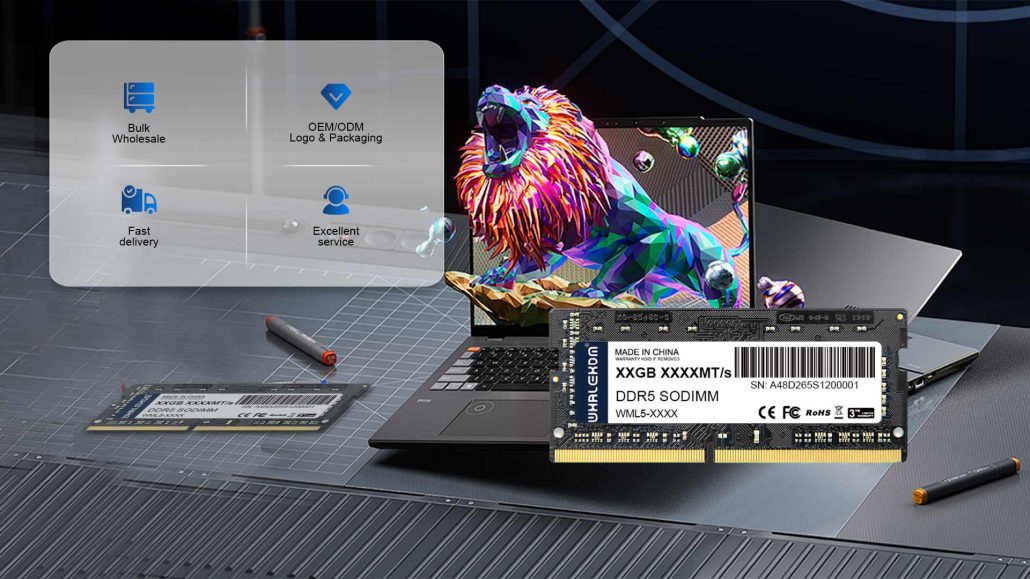
This is the part most laptop memory pages omit, and for a B2B buyer it is usually the actual reason to buy. The same 262-pin module is used in far more than notebooks.
- Mini PCs, NUC-class systems and small-form-factor desktops
- Fanless industrial PCs and embedded controllers
- Kiosks, digital signage and point-of-sale terminals
- Medical, test and measurement equipment with long lifecycles
- All-in-one PCs in education and office deployments
For these deployments the limiting factor is rarely peak bandwidth. It is thermal headroom inside a sealed enclosure, supply consistency across reorder cycles, and being able to buy the same part number again twelve months later.
What to confirm before a fleet rollout
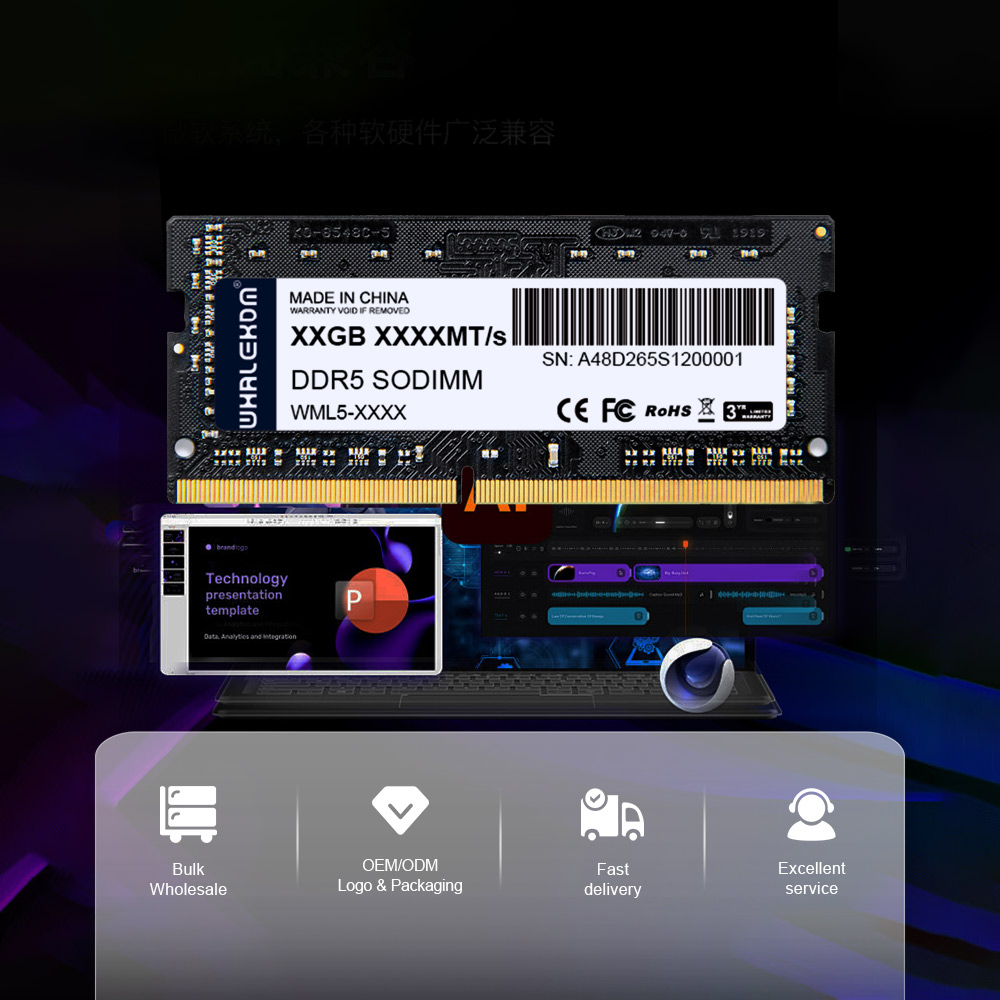
Ask any supplier these five questions before committing to volume. First, is die vendor and revision consistent across production lots? Second, is there a compatibility list covering your exact board and BIOS version? Third, are wide-temperature options available — 0°C to 85°C is standard, and industrial ranges are built to order. Fourth, do they support OEM labelling, custom part numbers and tray or bulk packing? Fifth, what is the RMA turnaround? Send us the platform model and BIOS version and we will confirm compatibility before you commit; [contact our team](https://whalekom.com/contact/) with the details.
Installation Checklist
RAM installation is simple, and laptops are less forgiving than desktops when it goes wrong.
- Shut down fully, unplug the charger, and disconnect the internal battery connector as the service manual directs.
- Ground yourself before handling the module.
- Check clearance. The module stands about 30mm tall; some thin chassis and 1U enclosures are tighter than they look.
- Seat the module until the side clips close. If it resists, stop — the notch means the generation is wrong, and forcing it damages the slot.
- After boot, confirm in CPU-Z that the channel reads “Dual” and check the actual DRAM frequency.
Frequently Asked Questions
Is DDR5 SODIMM backward compatible with DDR4?
No. The two use different pin counts (262 versus 260), different notch positions and different voltages. A DDR5 SODIMM will not seat in a DDR4 slot, and no adapter exists. If your machine is a DDR4 platform, see our [DDR4 laptop memory](https://whalekom.com/ddr4-laptop-ddr-ram/) range instead.
Can I mix a new module with the one already installed?
It usually works, but with two penalties. Both modules run at the lower of the two speed ratings and the looser of the two timing sets, and mismatched capacities put the pair into flex mode rather than clean dual channel. Mixing is acceptable for a stopgap; a matched kit is the better buy.
Does DDR5 SODIMM have ECC?
Every DDR5 module has on-die ECC, which corrects errors inside the DRAM die. It is not the same as a server ECC module: it does not cover the bus between module and CPU and does not report corrections to the OS. True end-to-end ECC needs registered server memory.
Why does my laptop report a lower speed than the module’s rating?
Because the platform is running a conservative JEDEC profile, or because its memory controller caps below the module’s rating. Neither is a defect. Most laptops also do not expose XMP or EXPO, so there is often no way to raise it.
Should I buy one 32GB module or two 16GB modules?
Two 16GB modules, on any machine with two sockets. Dual channel roughly doubles available memory bandwidth, and the gain is larger than any speed difference between modules of the same generation.
What is the maximum capacity my laptop supports?
Whatever the manufacturer validated for your exact model, which is not always the CPU’s theoretical maximum. The service manual or the OEM spec sheet is the only authoritative source.
-2-500x500.jpg)
-500x500.jpg)